
Automated Transactional Fundraiser Emails
Every event reservation action is accompanied by an automated email. In addition to providing event details, each email (after the request confirmation) takes the fundraiser back to the DonationScout web application via links. Below is a list of emails that go to the fundraisers and restaurants.
Emails to Fundraisers
1. Request confirmation letting them know the request was received and that the business will respond within 3-5 business days. 
2. Event approval message with attached calendar invite (with next steps and best practices instructions).
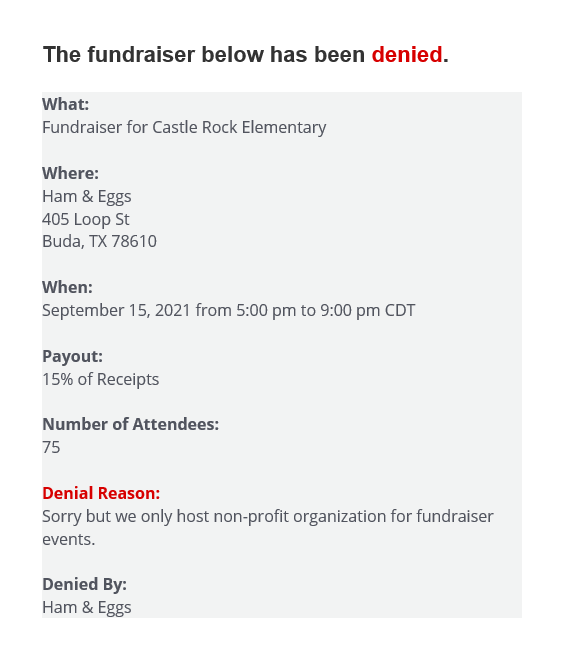
3. Event denial + reason (optional)
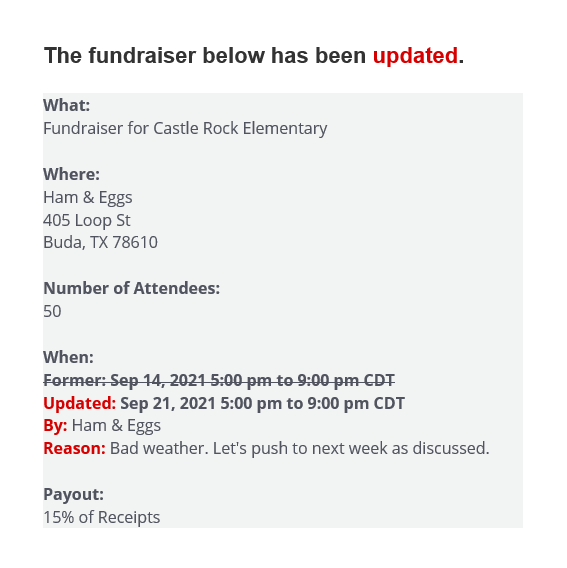
4. Event date changed (if applicable)
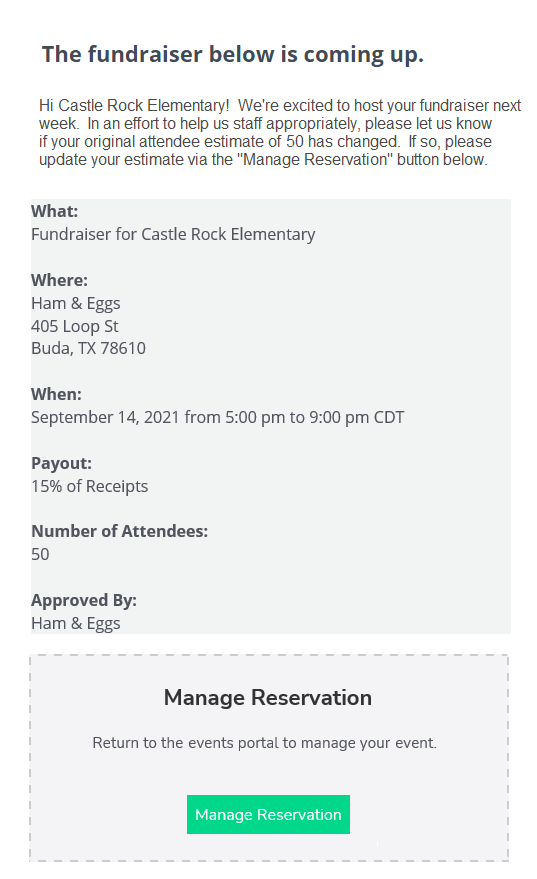
5. Event reminder seven days prior to the event. This message also prompts the fundraiser to update estimated attendance numbers.
6. Happening Today (morning of event)

7. Event results  8. Payment sent

Emails to Location Contacts
1. Event request
2. Event request reminder (if event request hasn't been responded to within 48 hours)
3. Event approval with attached calendar invite
4. Event date changed (if applicable)
5. Event reminder seven days prior to the event
6. Happening today (morning of event)
7. Enter event results (if event results have not been entered within 24 hours of event)