
How do I restore a deleted day?
- From the left-hand navigation menu, select Settings.
- Click Event Types.
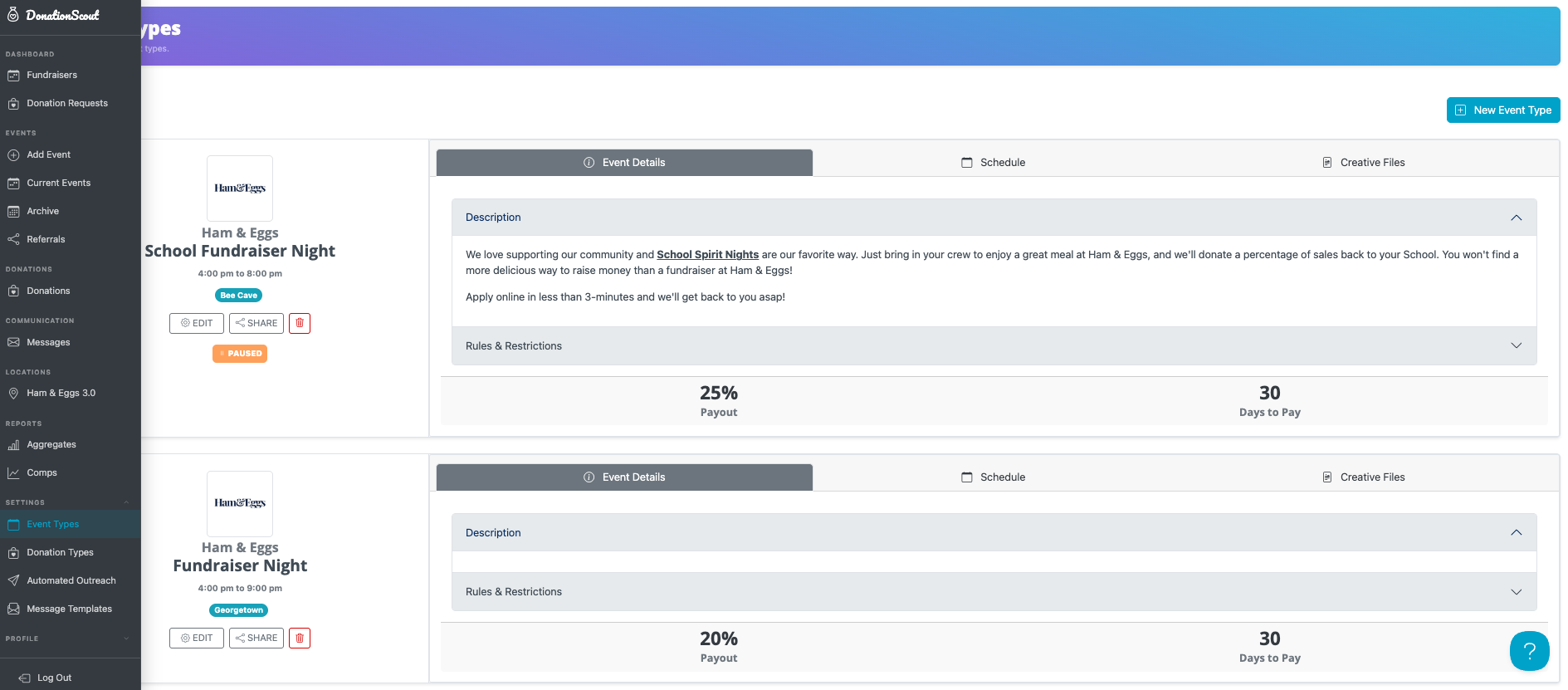
- Find the desired event type and select the Schedule tab.
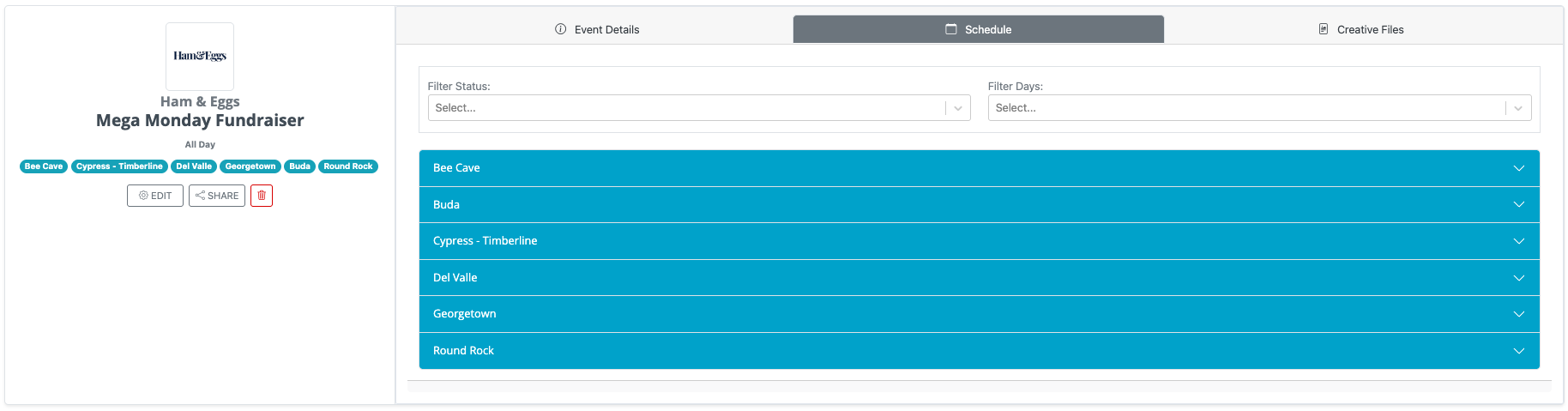
- If you are restoring a date for a specific location, you will first select the desired location, then the appropriate date.
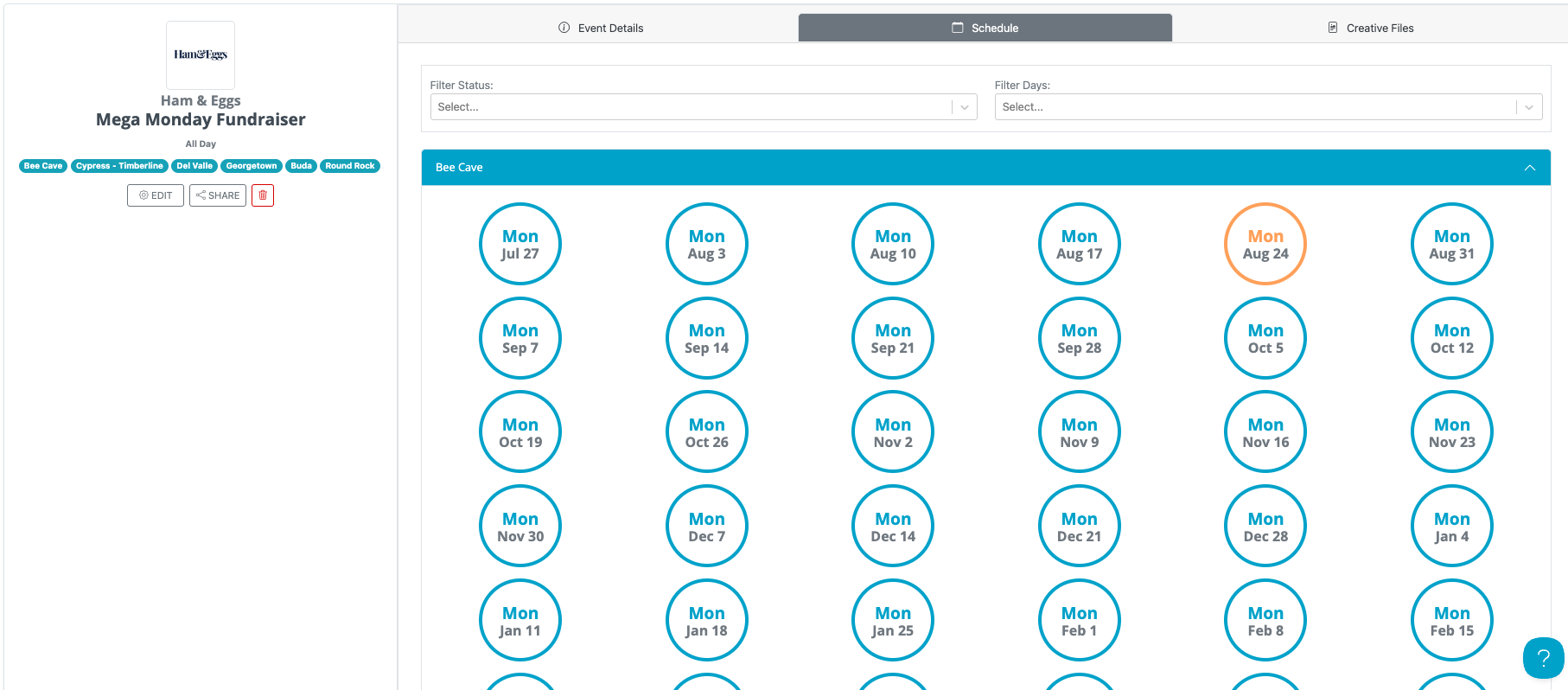
- If you are restoring a date for all locations, select the desired date for any location along with the "Restore for all locations for this event" toggle.
- Choose the button labeled Restore Day
Restore a Removed Day from an Event Type Schedule
If you need to make a previously removed date available for booking again, you can restore it for a single location or for all locations.
The selected date will once again be available for organizations to book.