How do I cancel an event?
How to Cancel a Scheduled Event
Scheduled events can be cancelled directly from the Current Events page.
Cancel an Event
- Navigate to Current Events.
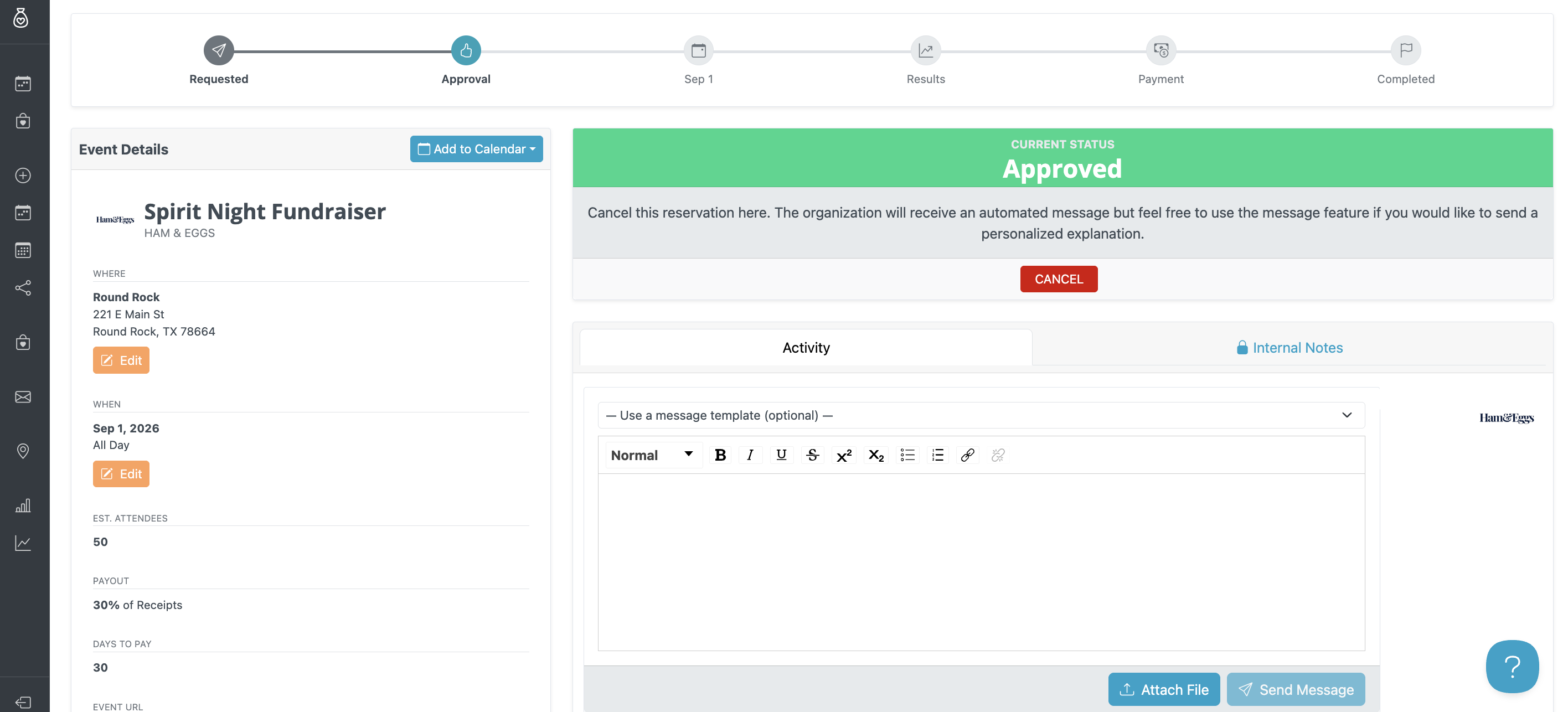
- Select the reservation you’d like to cancel to open the event page.
- Click Cancel.
- Enter a reason for the cancellation. For commonly used cancellation messages, you can select a Message Template to quickly add a pre-written message.
- Click Confirm Cancel.
What Happens After Cancellation?
Once the event is cancelled:
- An automated email will be sent to everyone associated with the event with the updated details.
- A revised calendar invitation will be sent.