How do I edit a flyer template?
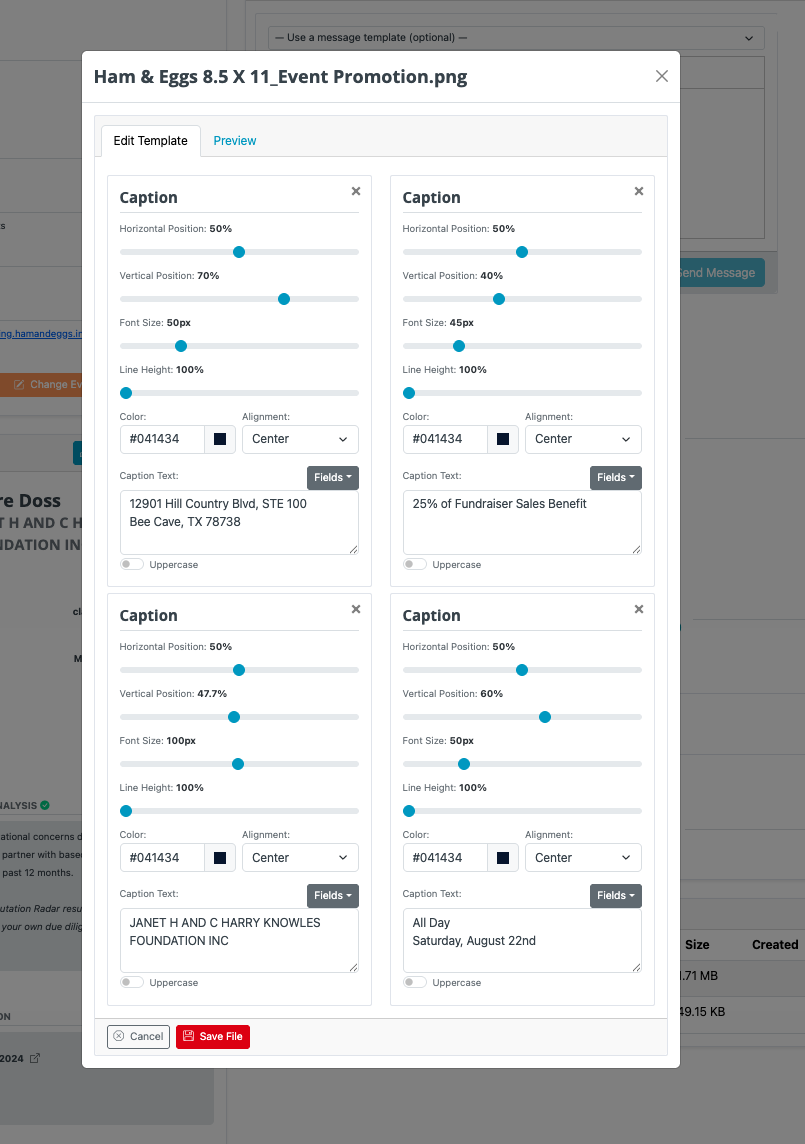
There may be times when you need edit flyer captions. For example, you will need to shorten the name of the organization if it's too long. To do so, simply follow the instructions below.
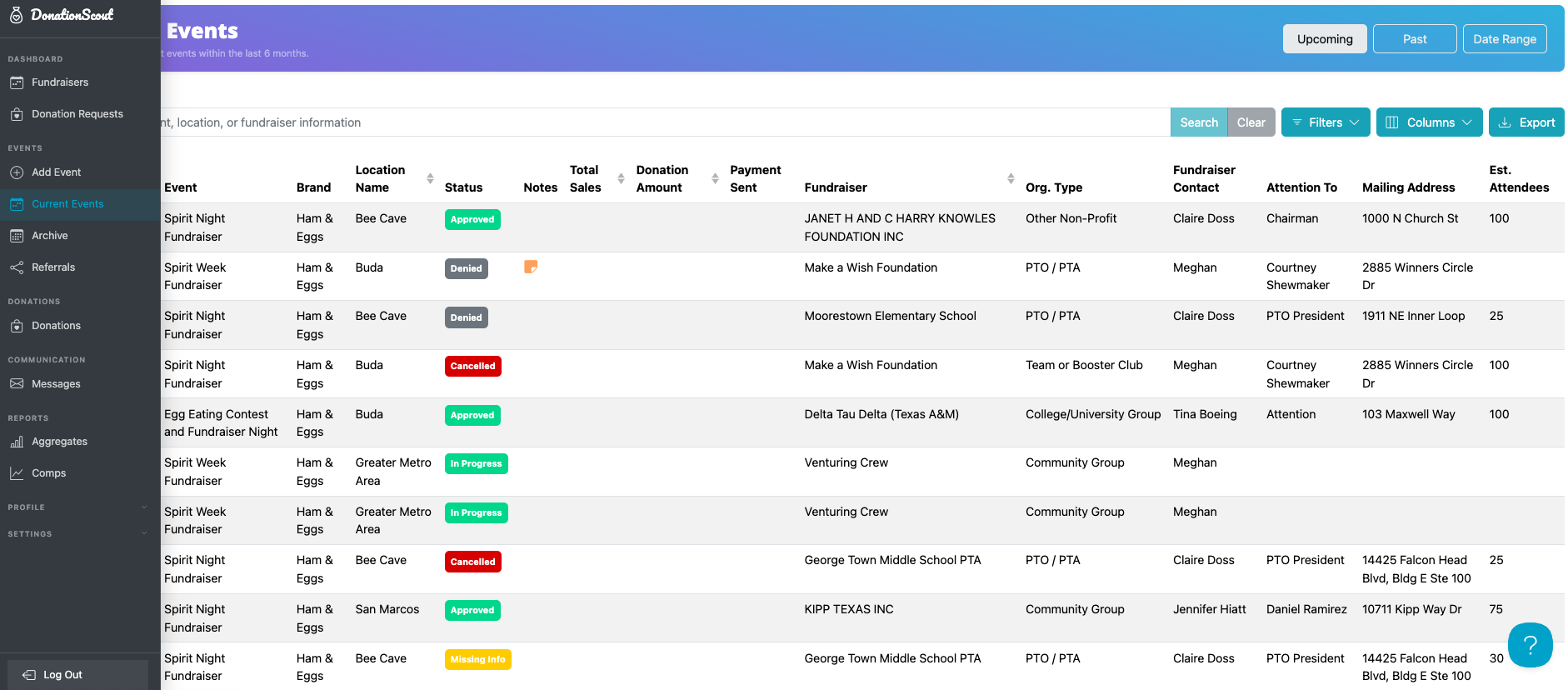
- Navigate to the Current Events page and select the reservation. It's a best practice to check each reservation to ensure the captions are displayed as you intended.
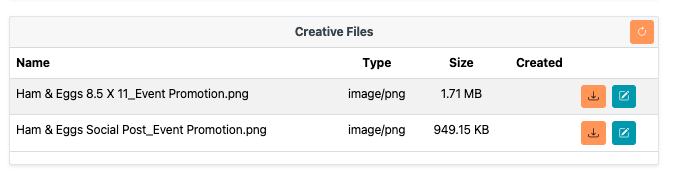
- Scroll to the bottom of the page and select the appropriate flyer. Remember, the organization will be able to see each file that you see so be sure to review all.
- Click the blue Edit button to preview the file and inspect.
- Make any desired changes and click Save.