
User Types
DonationScout User Roles & Permissions
DonationScout includes several user roles, each with different levels of access to the platform. A user's role determines which locations, fundraiser activities, settings, and administrative features they can access.
Use the guide below to understand the differences between each user type.
User Types
DonationScout includes the following user types:
- Admin User: Has the highest level of access and can manage account-level settings, users, locations, and the fundraiser program.
- Full Access Invited User: Can manage fundraiser activity for all locations but does not have administrative access to all account settings.
- Restricted Invited User: Can manage fundraiser activity for their assigned locations with additional restrictions on certain features and settings.
User Permissions
| Permission | Admin User | Full Access Invited User | Restricted Invited User |
|---|---|---|---|
| Log in to DonationScout | ✓ | ✓ | ✓ |
| Access locations | ✓ | ✓ | As |
| Manage fundraiser events | ✓ | ✓ | ✓ |
| Manage donations | ✓ | ✓ | ✓ |
| Edit Event Types | ✓ | ✓ | No |
| Receive Email Notifications | ✓ | Optional | Optional |
| Manage locations | ✓ | No | No |
| Invite or manage users | ✓ | No | No |
| Access billing | ✓ | No | No |
| Access admin-only settings | ✓ | No | No |
Important: Full Access refers to access to the fundraiser management features available to the user's assigned locations. It does not mean the user has the same administrative permissions as an Admin User.
Location Contacts
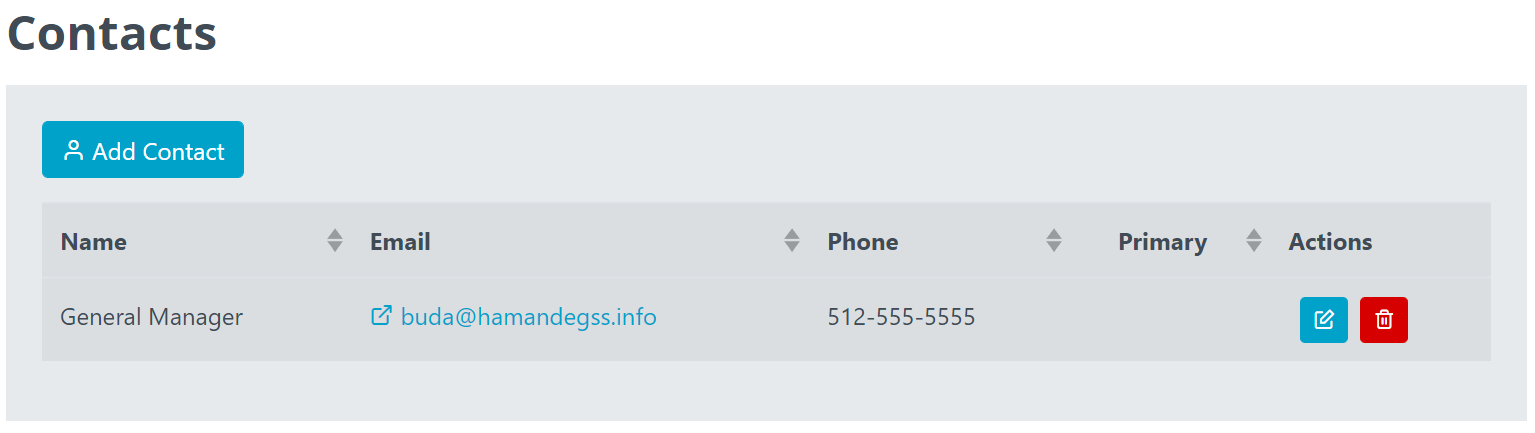
Admin Users and Invited Users are different from Location Contacts, who only receive the email notifications below. Locations can have up to five location contacts. However, a best practice is to use a generic location email address.
- Notice of a scheduled event (with calendar invite attachment)
- Notice of cancelled or updated event (with updated calendar invite)
- Coming up email seven days before the event.
- Happening today email the morning of the event.
Admin Users
Admin users have broader access to manage the fundraiser program and account structure. These users may be able to:
- Manage location information such as location contacts, adding or removing locations, etc.
- Manage Event Types
- Create Message Templates for all users
- Manage users
- Access reporting and other administrative features
- Manage fundraiser events and donations including approvals, denials, and on-demand messaging
Admin-only features are not automatically available to Invited Users, even when those users have Full Access.
Full Access Invited Users
Full Access Invited Users can manage fundraiser activity for all locations.
They can perform the day-to-day tasks needed to manage the fundraiser program for those locations, including approvals, denials, and on-demand messaging.
However, Full Access Invited Users do not have the same administrative permissions as Admin Users. They cannot invite or manage other DonationScout users and do not have access to certain account-level or administrative settings.
Restricted Invited Users
Restricted Invited Users have access to DonationScout for their assigned locations but have additional feature restrictions.
A key restriction is that Restricted Invited Users cannot edit Event Type details.
Their access may also be limited for other administrative features, such as templates, location management, user management, billing, and account-level settings.
Need to Add a User?
Admin Users can invite additional users to DonationScout and assign the appropriate access based on their role and location.
 Click here to learn how to invite a new user.