Changing Event Type
If an organizer accidentally selects the wrong event type, you can quickly update it from the event page.
To do this, first navigate to the event you'd like to edit. Once you're on the event page, click "Change Event Type" under Event Details on the left-hand side.
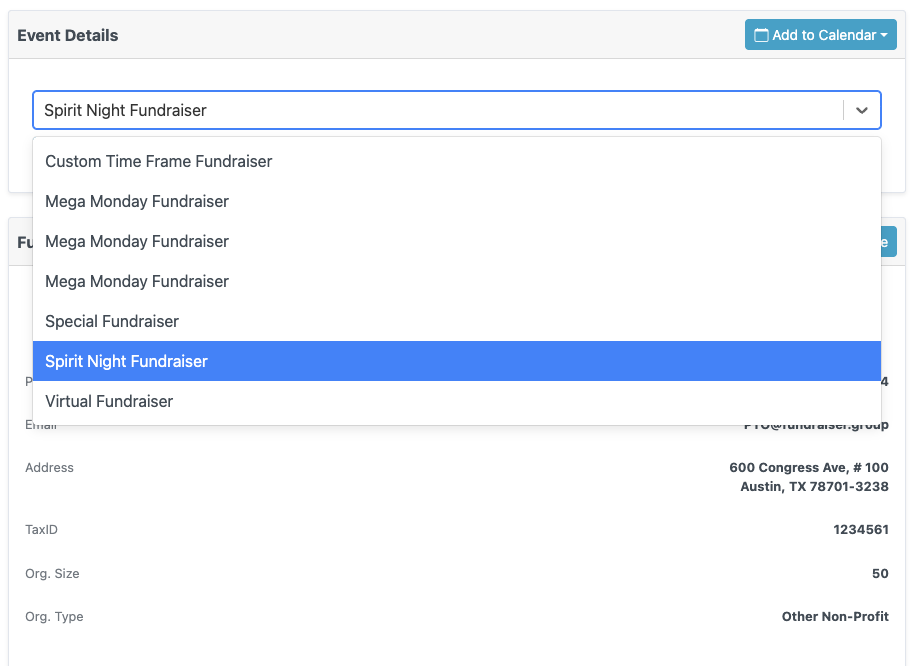
 A dropdown will pop up allowing you to select the correct event type. Don't forget to hit save!