
How do I edit an Event Type?
Event Types can be found under Settings in the left-hand menu of your DonationScout dashboard. After selecting Event Types, you’ll see a list of all Event Types associated with your account.
Note: Only the account administrator can add, edit, or pause Event Types. Invited users do not have these permissions.
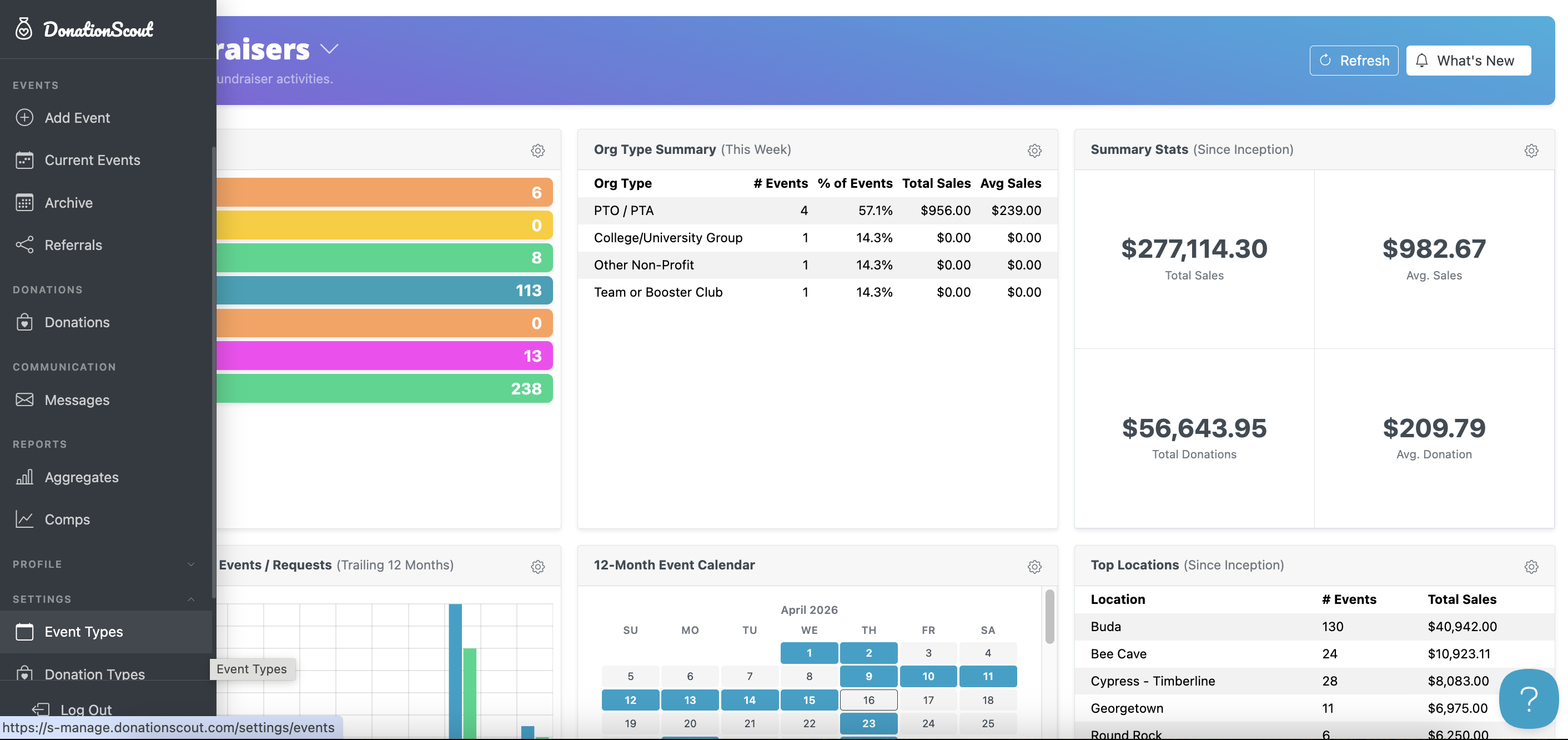
To modify an Event Type, click Edit and update the desired settings. When you're finished, click Save before returning to the main page.
Note: Changes to event type will impact all approved events and future bookings.
You can update settings such as:
- Event Name
- Event Visibility – Public events appear in the ZIP code search, while private events are only visible to organizations with a direct event link.
- Event Description, Instructions, Rules, and Restrictions – Provide organizers with important event details and expectations.
- Payout Details – Configure the fundraiser payout percentage and payout timeframe.
- Minimum Advance Notice – Specify how many days in advance an organization must book the event.
- Event Schedule – Set the days of the week, available times, and event duration for the fundraiser.
Pausing an Event Type removes it from the booking experience while preserving its settings and history. Event Types cannot be permanently deleted. To prevent an Event Type from appearing in the ZIP code search, click Pause in the upper-right hand corner.
Default Event Type
Each account includes a Default Event Type, which serves as the standard fundraiser configuration for all locations associated with the account. The Default Event Type cannot be paused or deleted.
